








 Wail Saidani
Founder of DevDream
Wail Saidani
Founder of DevDream
 Claude
 ChatGPT
 Perplexity
 Le Chat
 Grok
Grok

Before signing an automation quote, check the exact work, the access you receive, the decisions that need human approval and the tests required before handover. Ask for setup, subscriptions, usage and support to be listed separately. The quote should let you check what you are buying and take over if the system stops.
This guide covers a provider's quote for automating a task in your business. A line labeled "AI automation" does not explain what you will receive. I recommend starting with a practical question: what will the system do in a normal case, and what will it do when that case has a problem?
What should an automation quote describe?
The quote should describe what starts the workflow, the information it uses, the action it produces and when it stops. Ask which tools are involved and which tasks and costs remain your responsibility. A short appendix may be enough: it should let each provider price the same work, rather than different versions of your idea.
Here is a scope worksheet you can copy. This is a fictional example: a construction business wants to prepare tracking entries for supplier invoices received by email, with approval before saving them.
Scope worksheet: replace the last column with your answers
| Point to define | Fictional example | Your answer |
|---|---|---|
| Trigger | An email arrives in the "Supplier invoices" folder. | [Fill in] |
| Reliable information | Attachment, supplier reference and related purchase file. | [Fill in] |
| Action delivered | Prepare a tracking entry and keep the link to the document. | [Fill in] |
| Approval and stopping | A person approves; an unreadable document or canceled case stops the workflow. | [Fill in] |
| Limits | No payments, no accounting entries and no software changes. | [Fill in] |
| Usage to plan for | Actual email volume, users involved and accepted formats. | [Fill in] |
Add who prepares the data, who provides access and what starts the stated delivery period. A missing or misfiled document does not become reliable information because AI reads it. If you are still deciding which task to choose, start with automation ideas for contractors.
Who should control the accounts and access?
Ask which accounts will be used, who will administer them and what you will receive at handover. I recommend accounts in your business's name, with separate provider access where the tool allows it. You should be able to keep the service, manage billing and remove that access.
The handover should cover settings, workflow rules and the agreed usage rights. This does not give you ownership of subscription software. Ask what can be exported, what needs reconnecting and what it might cost for someone else to take over.
Exporting a scenario does not automatically transfer all its connections. The Make documentation on exports, accessed October 2, 2026, states that account connections must be created after importing. Ask for a tested takeover procedure as well as the exported file.
For customer or supplier contact details, ask which data is transmitted, which services receive it and how long it is retained. The CNIL, France's data protection authority, explains that a processor's handling of personal data must be covered by a contract. A label saying "secure" does not explain those arrangements.
Which decisions should remain in your hands?
Identify actions that commit your business: sending a message, changing an amount, confirming an appointment or initiating a payment. The quote should say which require your approval and how uncertain cases reach you. I recommend starting with preparation, then allowing more independent action after successful testing.
In the supplier invoice example, the tool suggests an entry; you check the supplier, amount and file before saving it. If information is missing, the case still needs review. A useful approval step shows the final action and the information behind it.
Ask who approves, who covers for them and what happens when they are unavailable. For customer messages, the guide to estimate follow-ups with review before sending explains that specific workflow.
What tests should you request before accepting the work?
Plan acceptance testing (checks before accepting the work) using fictional cases and results agreed in advance. One successful example does not demonstrate stopping or recovery. This checklist connects each situation to evidence you can see without reading the system's technical details.
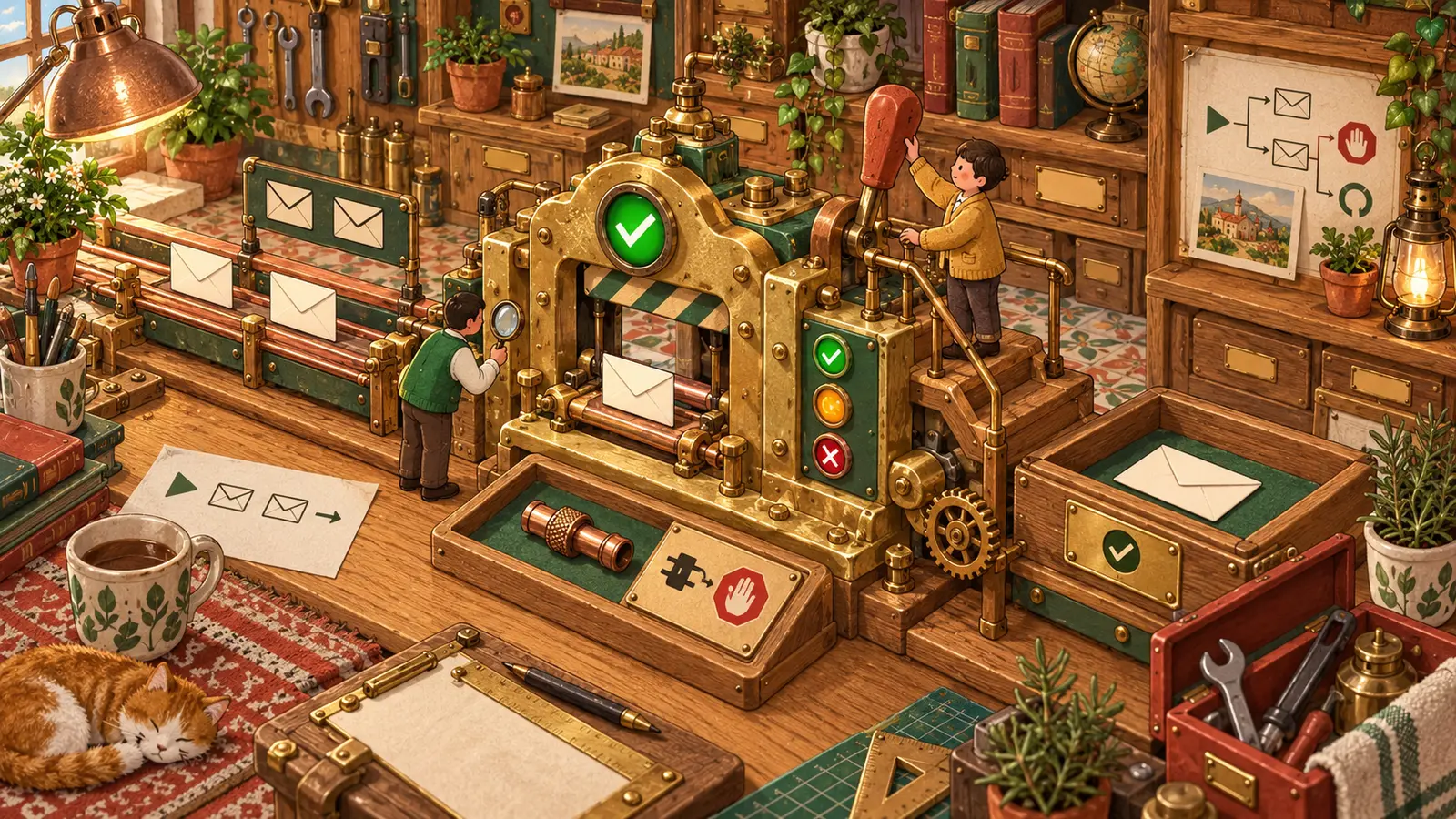
Acceptance checklist to adapt for supplier invoice tracking
| Case to test | Expected result | Evidence to keep |
|---|---|---|
| Normal case | The correct invoice produces a draft entry; approval allows it to be saved. | Identifiable source document, created entry and approval. |
| Duplicate | Processing the same document twice does not create two final entries. | One entry and a record of the rejected duplicate. |
| Cancellation | A request canceled before approval does not proceed to saving. | Visible canceled status and no new final entry. |
| Error | Denied access leaves a case pending and alerts the designated person. | Visible affected case, error and notification. |
| Recovery | After the problem is fixed, only the necessary remaining work runs. | Before-and-after history, with no extra entries created. |
For each test, record the date, actual result and required correction. Ask what allows acceptance, what postpones launch and when the balance is due. Agree on these conditions before the demonstration.
The Make documentation distinguishes automatic recovery for some errors from manual resolution. Ask which rule applies to your workflow. If an action's outcome is uncertain, check its history before trying again.
What costs remain after setup?
Compare costs over the same period and for the same usage. Separate setup, required subscriptions, variable usage and service work. Ask for an estimate based on your actual volume and what happens if it grows. A monthly amount alone does not explain which costs it includes.
- Setup: preparation, tool connections, testing and learning to use the system.
- Operation: subscriptions, any hosting and service usage.
- Support: monitoring, corrections, new requests and any migration of the system.
For example, Make charges for credits used by workflows ; some AI features have variable usage. Depending on the connection, the AI provider may also charge separately. Ask who bills for what, which alerts are planned and whether additional purchases can happen automatically.
For the first year, add setup, twelve months of fixed costs and estimated usage. Account separately for review time and service work that is not included. Claimed time savings should account for the review and corrections still required.
Who helps when the automation stops?
The support terms should name a responsible person, support hours and the expected response time. Distinguish responding to your report from restoring the service. Also separate fixing a defect in the agreed work from adapting to a change in your business software.
Plan a straightforward way to pause the workflow and work manually. The procedure should show completed cases, pending cases and actions with uncertain outcomes. Before automatic processing resumes, someone should reconcile the manual work so it is not repeated.
If a trial phase is offered, ask what it delivers, what it costs and whether you can stop there. Continuing should require an explicit decision with agreed terms.
What questions should you ask before signing?
The final conversations should clarify commitments that affect your decision. Keep the answers with the quote and its appendices so you can find the scope, costs and handover conditions.
What should be clear before you approve?
You should be able to explain what starts the work, who checks the result and how to take over. If any of these points is unclear, ask for written clarification before comparing prices.
| Question | Key point | Mistake to avoid |
|---|---|---|
| What is delivered? | A scope and tests you can verify. | Accepting only a demonstration. |
| Who stays in control? | Defined accounts, approval steps and takeover procedure. | Receiving an export you cannot use on its own. |
| What does ongoing operation cost? | Separate fixed costs, usage and support. | Comparing only the initial price. |
To define the scope of automation for your business tasks, start with an anonymized example, your tools and a clearly defined task. You can discuss that initial scope with me : it is a useful starting point for deciding what is worth automating.
Founder of DevDream, a web and AI workshop for contractors and small businesses in Villeneuve-la-Garenne, near Paris, France (92). I build websites and set up automation around the tools small businesses use.
Follow me on LinkedIn →

Need to define your automation project?
An introductory conversation to describe how you work and choose a useful scope.
Discuss my project →