










 Wail Saidani
Founder of DevDream
Wail Saidani
Founder of DevDream
 Claude
 ChatGPT
 Perplexity
 Le Chat
 Grok
Grok

An electrician's website should help visitors recognize the work you take on, check your service area and find out how to contact you. Plan a homepage, clear service descriptions, project examples and contact information; add a specialist page when you have material to support it. Repairs deserve a separate way to contact you if you actually offer them, with the conditions for taking on a request.
'General electrical work, new builds and renovation' describes your trade. It does not yet tell people whether you rewire occupied homes, replace electrical panels or install charging stations. I would start with these practical questions when choosing the pages.
Which pages should an electrician's website include?
Keep pages with a clear purpose and information of their own. The homepage guides visitors; a service page explains the work; a project page shows completed work; the contact page prepares the conversation. A 'charging stations' or 'commercial premises' page can come later if it reflects work you actually do and can describe.

Page-planning checklist to adapt to your business
| Proposed page | What it should explain | When to combine pages or wait |
|---|---|---|
| Homepage | The work offered, the customers served and the service area. | It directs visitors to details without repeating them. |
| Electrical renovation | Projects accepted, occupied or vacant homes and how to prepare for the visit. | Keep electrical panels as a section if you have little separate information to offer. |
| Repairs | Service offered, contact hours and conditions for handling requests. | Remove this page if you do not provide the service. |
| Electric vehicle charging station | Customers and locations accepted, assessment process and qualification held. | Wait if you do not yet offer this service. |
| Project examples and contact | Documented work, business identity and a way to get in touch. | A few explained project examples may be enough to begin. |
An electrical panel is the enclosure that brings together the installation's protective devices, among other components. A page earns its place when it answers a different question using facts you have.
Good to know. To set your service area on your Google Business Profile, you must choose towns, postal codes or other geographic areas. Google does not let you define it by drawing a radius around the business, as explained in its service area guide. Prepare a list of towns you actually serve rather than an approximate distance.
How should you separate repair requests from renovation projects?
Show different next steps: a call during your contact hours for the repairs you offer, and a conversation to prepare for planned work. The website explains whom to contact without determining the cause of a fault or confirming your availability. If you only do renovation work, state that specialty on the homepage.
- Repairs offered: a clickable phone number, actual contact hours, service area and conditions for handling requests.
- Renovation: town, type of home or premises, rooms involved, whether the property will be occupied during the work and preferred timing.
- Charging station project: house, condominium or business, proposed location and a way to discuss and assess the request.
For an occupied home, explain how you plan the work with the customer if you take on this type of project. Asking for project details does not commit you to providing an immediate price.
A 'request a callback' button should not suggest that a visit has been booked. Also avoid 'immediate response' or 'available at any time' if no one can keep that commitment. A useful button label describes what happens after the click.
How should you present qualifications and supporting evidence?
Give the exact name of the qualification held, the work it covers and a way to verify it. Distinguish it from a technical standard, insurance or a commercial partnership. A logo alone does not let visitors verify the business, the service covered or the document's validity. Check these points before publishing.
Qualifelec is a French qualification body for electrical, energy and digital engineering businesses. Its guide to reading the certificate sets out the business identity, recognized field and validity period. The certificate is renewed annually. An old image of the document may therefore become outdated even when the website appears current.
Checks to make before displaying supporting evidence
| Item displayed | Check before publishing | Useful way to present it |
|---|---|---|
| Qualifelec qualification | Business, qualification name, field and certificate dates. | Exact name and a link for verification. |
| Electric vehicle charging station | Service actually offered and the corresponding qualification. | Explain IRVE, the French acronym for electric vehicle charging infrastructure. |
| RGE designation | Designation held for the work presented. | Spell out the French label: Reconnu garant de l'environnement, a label for qualified energy-efficiency work within a defined scope. |
| French NF C 15-100 standard | Technical wording reviewed by the electrician. | Describe it as a reference for installations, without presenting it as a business certification. |
AFNOR, the French standardization association, publishes NF C 15-100-1 on requirements for low-voltage electrical installations. Citing it does not prove that your business holds a qualification.
Qualifelec refers to "the quality of services offered by qualified professionals". (Translated from French.) Daniel Hucher, chair of Qualifelec's Normandy committee, quoted on the organization's website, accessed on October 16, 2026.
Useful evidence is evidence the reader can connect to your business and the work requested. Include certificate and link checks in your website maintenance, with someone responsible for keeping them current.
How should you explain the service area for each type of work?
Specify the towns where you accept each type of request. A business may consider renovation projects farther away than it travels for repair visits: the website should make that distinction clear. Place the service area near the relevant service and contact details. A list of towns is not enough to explain these conditions.
- List the towns you usually serve for planned work.
- Specify the repair service area separately, if you offer repairs.
- Mention other locations you consider on request.
- Check that your website and Google Business Profile information remain consistent.
List the towns rather than an entire French department (administrative area) if you do not serve all of it.
Google recommends defining your service area accurately on your Business Profile. Check this consistency after changing your services or service area.
How can you show electrical work without overstating what it proves?
Show photos you have permission to publish, with a caption covering the type of premises, the original need and the work completed, using verified information. A photo of a panel or wiring shows one stage of the work; it does not, on its own, establish that an entire installation complies with requirements. The wording should be as precise as the image.
- Context: partial renovation, an occupied home, commercial premises or another actual situation.
- Work completed: the exact work you did, without claiming the whole project if you only handled part of it.
- Image: verify the original file and permission to publish; hide information that could identify the customer where necessary.
- Scope: include the date and town only if you have permission to publish them; include figures only if they are documented.
A photo tells the story of a job; it does not replace technical documentation. Before-and-after photos must compare the same work. An illustration explains an idea and should be identified as such, without standing in for a completed project.
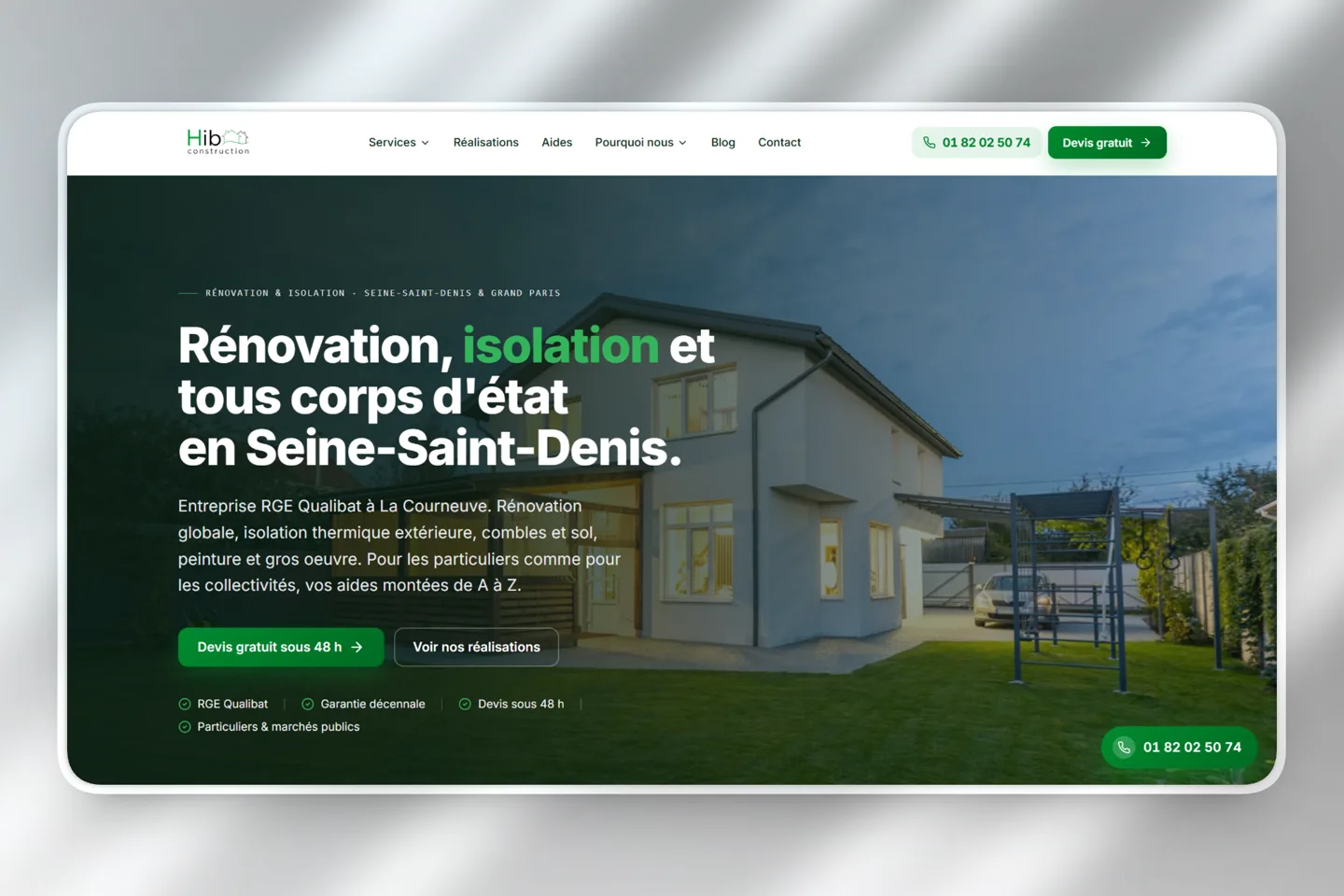
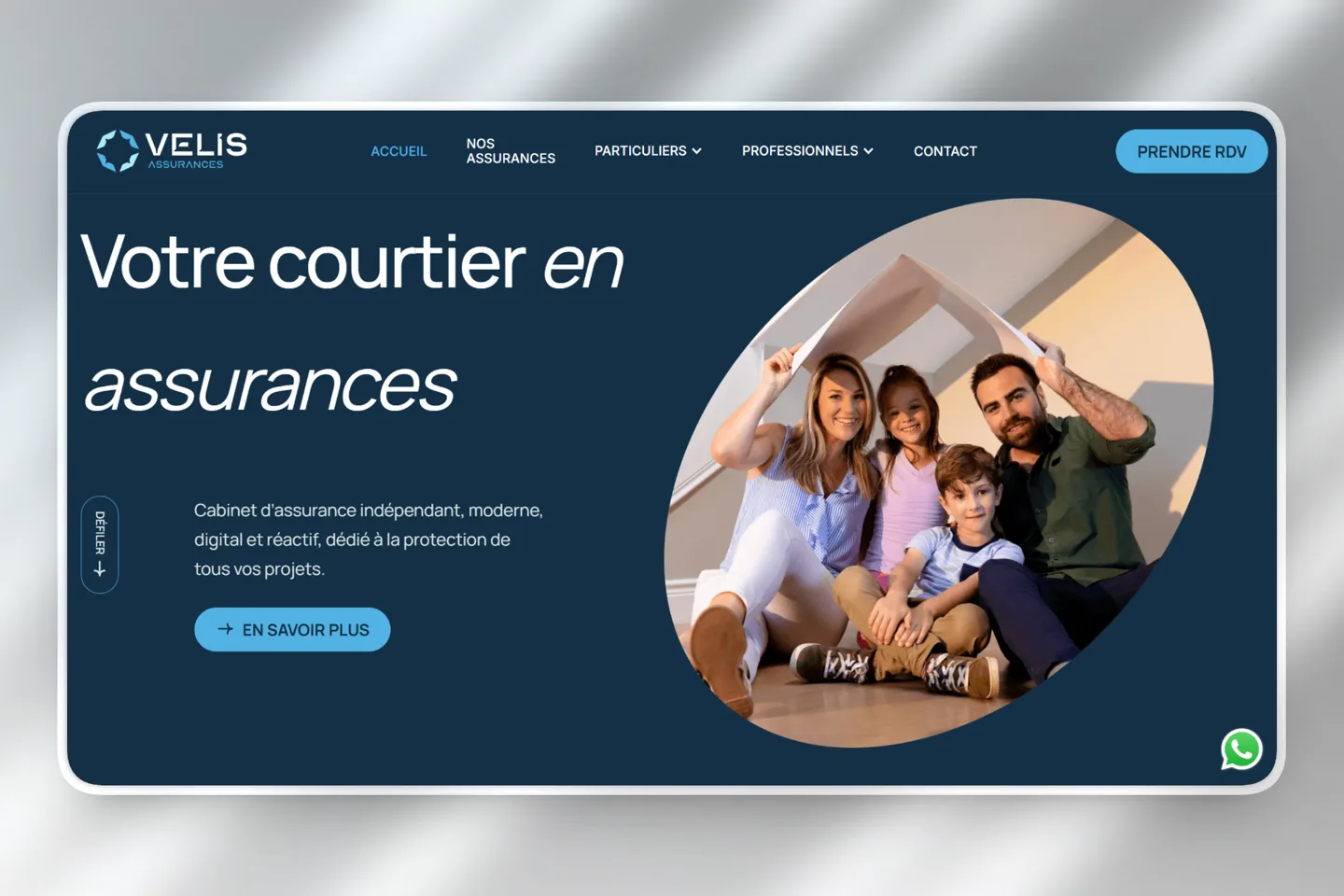
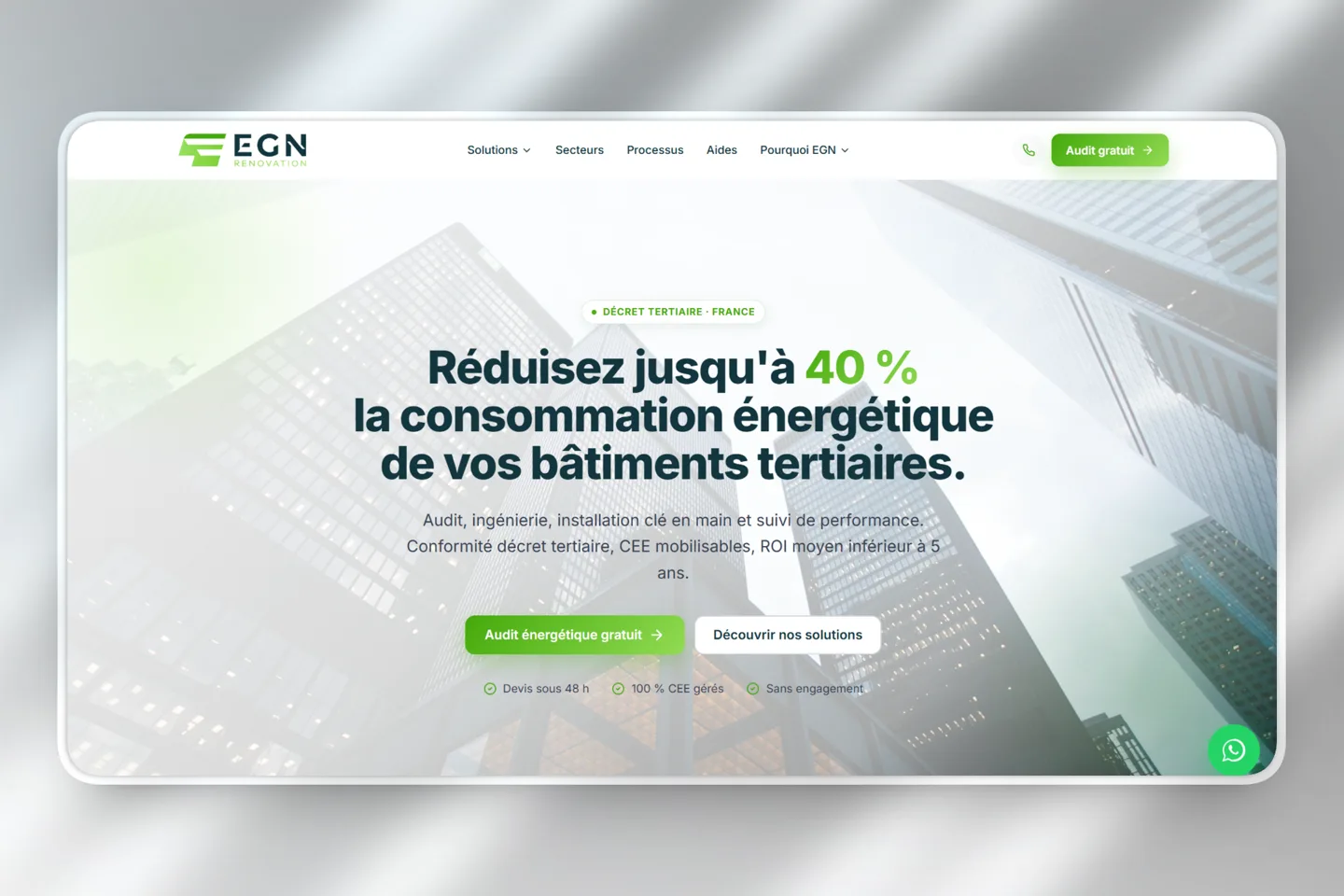
The guide to choosing photos for a contractor website covers framing and captions. You can then link a project example to the relevant service page to show what the text describes in practice.
Which worksheet should you use to review each page?
Fill out one worksheet per page: question, available facts, supporting evidence and planned contact method. Then ask someone unfamiliar with the business to read the draft. They should understand whether you handle their type of request and what to expect from the first conversation. Their points of uncertainty show you what still needs clarification.
Blank mini-worksheet for planning a page's content
| Information to provide | Your answer | Check |
|---|---|---|
| Visitor's question | ____ | Different from the related page? |
| Work and customers accepted | ____ | Actual services, with limits explained? |
| Service area and conditions | ____ | Applicable to this service? |
| Available evidence | ____ | Source, permission and validity checked? |
| What follows the inquiry | ____ | Channel, recipient and operation tested? |
Then test three situations: a renovation, a repair and a request from outside your service area. The page should explain a next step that matches your decisions. These are review scenarios, with no customer or commercial outcome attributed to them.
On a phone, check calls, email and appointment booking. If you plan to use a form, test that submissions are received before describing it as operational. The website is ready when its buttons deliver what the text beside them promises. To gather the other material for your project, continue with the website preparation guide.
What questions remain before choosing your pages?
The page count depends on the services you can document, rather than a package to fill. You can start with the information available, then add a page when its content becomes useful. The points below help you make that choice without displaying a qualification you do not hold or estimating the budget from the menu alone.
What should you decide before having the website built?
Decide which work to present, which pages are useful and which evidence you can publish. Check service areas, stated hours and what follows an inquiry. Have the electrician approve this content before finalizing the layout. The limits of the business should be as clear as the services offered.
Decisions to share with the website creator
| Question | Key point | Mistake to avoid |
|---|---|---|
| Which page? | A distinct question and facts to answer it. | Adding more services you do not yet offer. |
| What evidence? | An explained project or a verifiable supporting document. | Turning a photo or logo into a general guarantee. |
| How should people get in touch? | An actual next step suited to the need and service area. | Promising a visit at the click of a button. |
These decisions provide a practical foundation for building your business website. To discuss suitable pages for your electrical business, you can tell me about your services and completed projects.
Founder of DevDream, a web and AI workshop for contractors and small businesses in Villeneuve-la-Garenne, near Paris, France (92). I build websites and set up automation around the tools small businesses use.
Follow me on LinkedIn →


Let's plan the pages for your electrical business.
Your services, completed projects and actual service area: let's build a website that helps visitors understand when to contact you.
Discuss my project →