











 Wail Saidani
Founder of DevDream
Wail Saidani
Founder of DevDream
 Claude
 ChatGPT
 Perplexity
 Le Chat
 Grok
Grok
On a contractor website, photos should show your completed work, finishing details and the person who will visit the customer. Prioritize a wide view, a clear detail shot and before-and-after photos taken from the same position. A good photo answers a customer's question before they even call you.
You probably already have the material in your phone. The real work is choosing what deserves a place on your site. Here is the selection that I recommend, with a method for preparing your next shots.
Which photos should you choose as a priority?
Start with images that explain your work: the result, its context and a detail showing your skills. Add a natural portrait so visitors know whom they will meet. A gallery of nearly identical shots does not help them choose. Each photo should add something new.
| Photo | Visitor question | Useful location |
|---|---|---|
| Completed work | Is this the result I'm looking for? | Homepage and service page |
| Finishing detail | Does the work look neat? | Project description |
| Comparable before-and-after photos | What have you transformed? | Project gallery |
| Portrait at work | Who will come to my house? | Company presentation |
| Intermediate stage | How did you do it? | Explaining a job |
For a painter, photograph the wall-to-ceiling edge. For a tiler, show a cut around an obstacle. For a plumber, show an accessible installation and its connections. A work-in-progress photo can explain what will disappear behind a wall; it does not, on its own, prove code compliance.
"Users ignore generic stock photos of people." Jakob Nielsen, web usability specialist, in Photos as Web Content, 2010.
How can you choose an image that works on a phone?
Choose a photo for the space it will occupy. An attractive full-screen image can become unclear when cropped on a phone. Keep the subject visible and the text readable. This matters especially for the hero image, which is often wider on a desktop than on mobile.
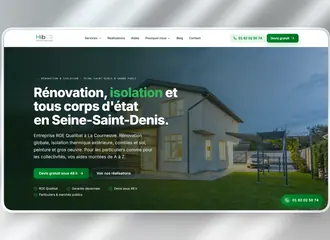
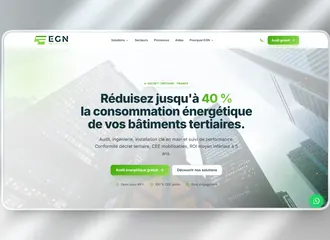
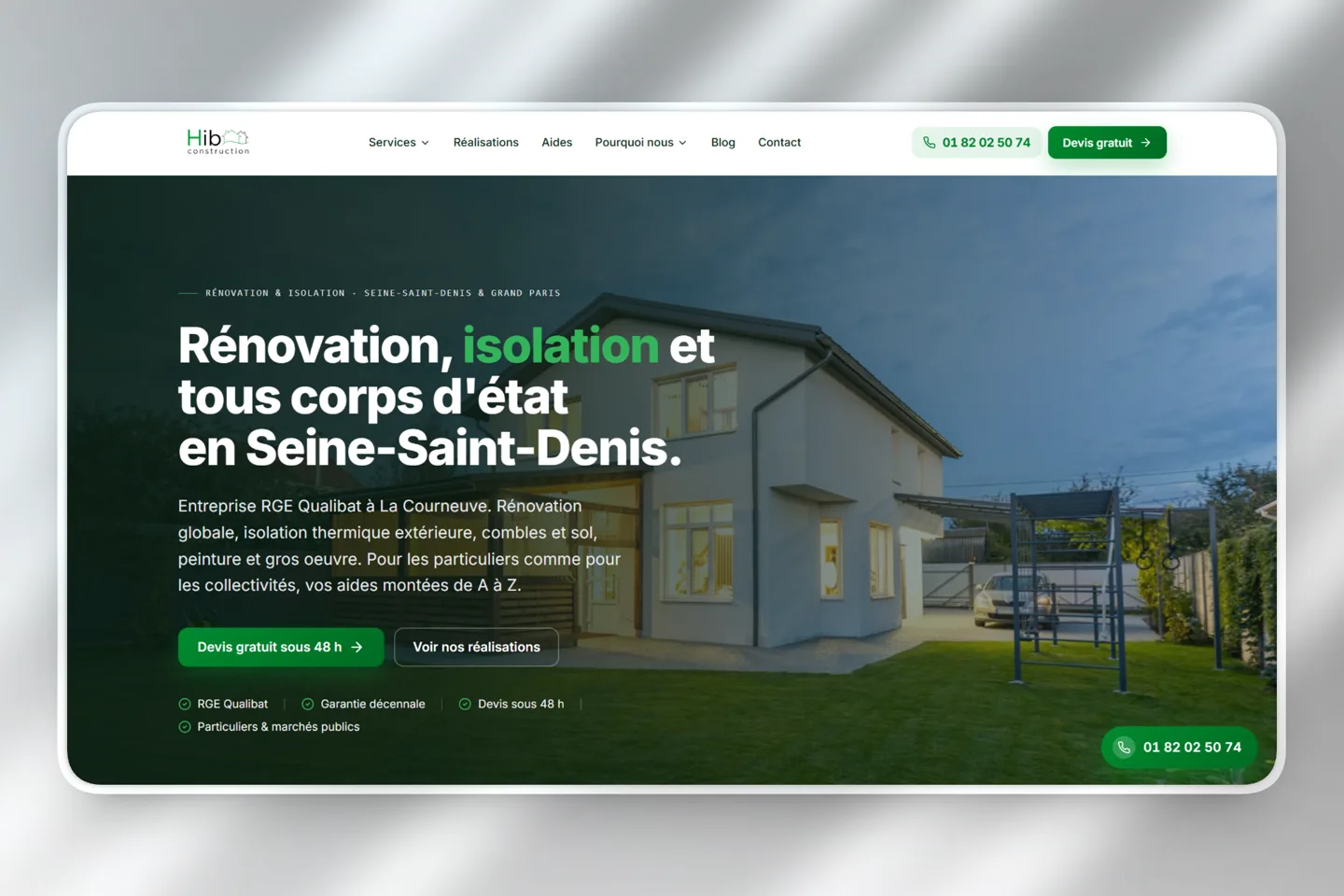
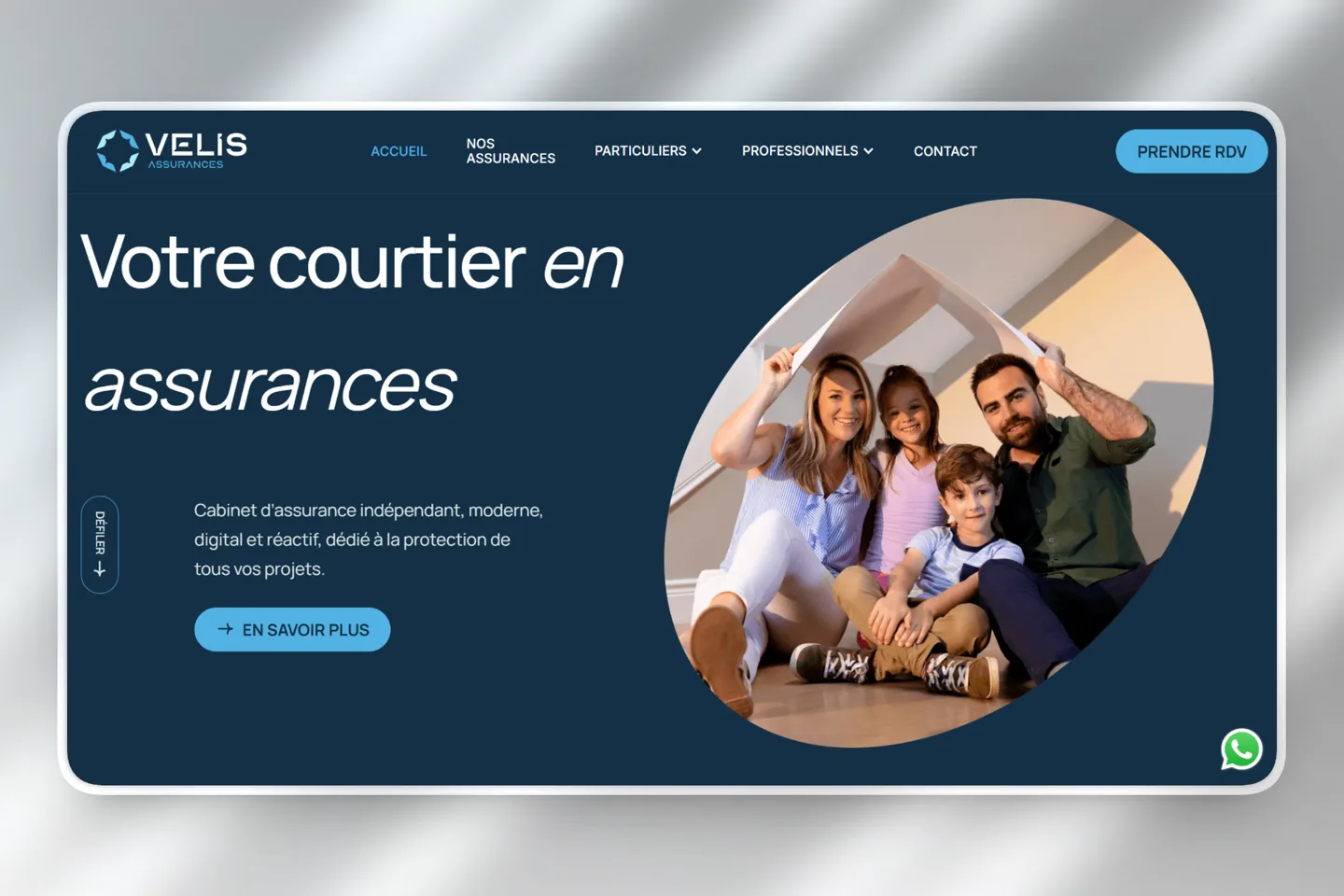
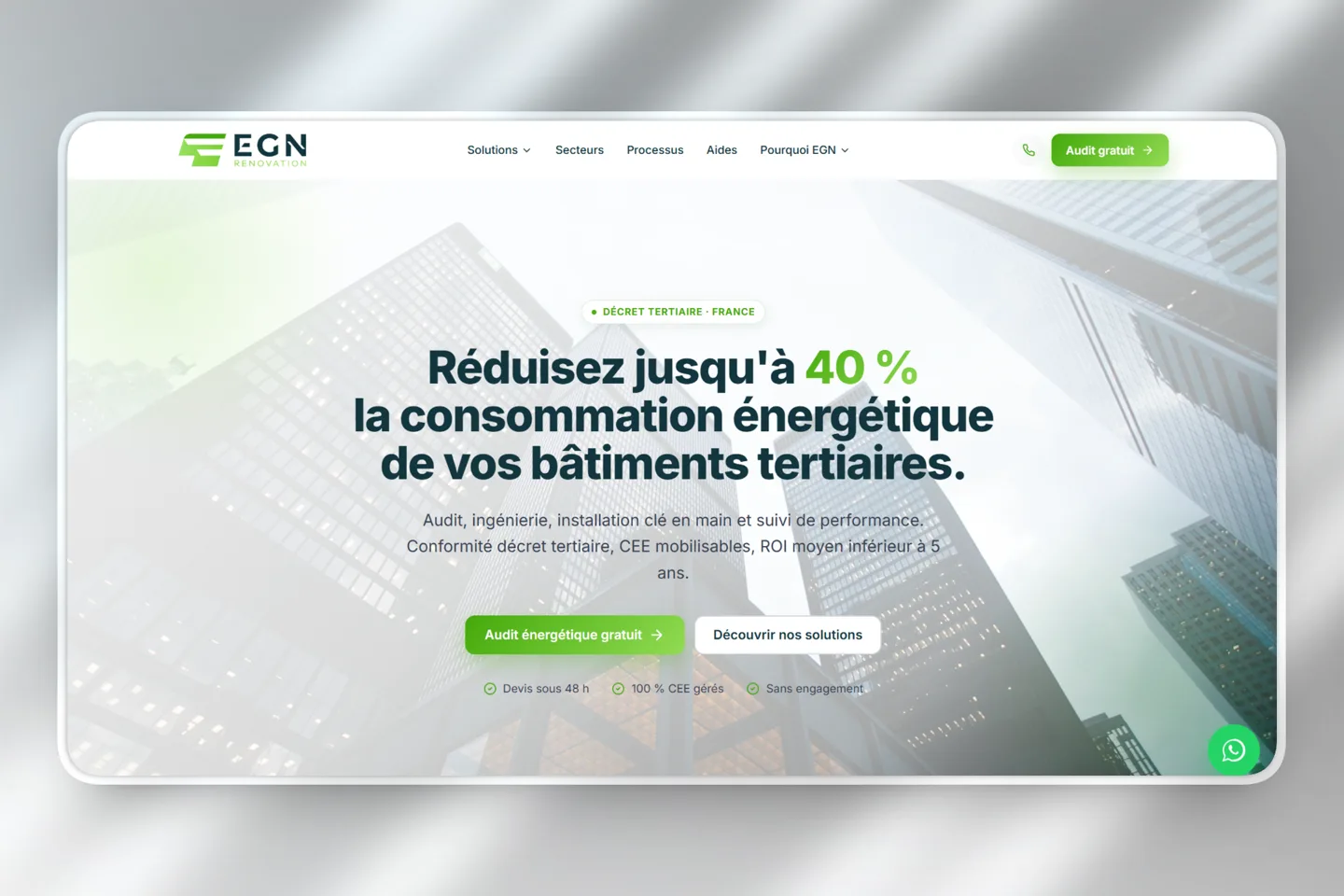
Two examples visible in the DevDream portfolio show different compositions:
- HIB Construction: the text occupies the left, while the house remains visible on the right. The framing separates the message and its setting.
- EGN Rénovation: the text is centered, surrounded by building facades. The central clear area preserves its readability.
These observations come from the portfolio previews reviewed for this article. They describe the composition without claiming to establish the photos' origin or measure their effectiveness. The right framing depends on the text that must live next to it.
Before sharing your images, leave space around the subject. Take landscape and portrait versions, then view them at phone size. If a finishing detail disappears or a face is cropped, change the photo selection before redesigning the entire layout.
How do you create an honest, readable before-and-after?
Photograph the starting condition, then return to the same position after the work. Keep the phone height, orientation and lighting as similar as possible. Visitors should see what your work changed, without wondering whether the difference mainly comes from cropping or a filter.
- Locate your shooting point: door frame, wall corner, floor marker.
- Clean the lens and keep the vertical lines straight.
- At the end, remove the elements that hide the result, without artificially modifying the finishes.
- Add a caption naming the actual work and materials used.
The caption turns a pretty photo into an understandable example. Explain what you did, in which town if naming it is permitted, and which constraint you solved. Mention a budget or deadline only when it is verified and useful.
For each caption, record the work type, materials installed and difficulty resolved. Name the town only with permission. Keep the original files so you can crop them differently for a future page.
How to keep images sharp without slowing down the site?
Keep the originals and publish copies sized for their display. A thumbnail does not need the same file as a large image. Compression reduces file size; a visual check confirms that it preserves the details you want to show. Ask your website provider to do both.
In its documentation updated on August 7, 2025, Google indicates that the WebP format produces files 26% smaller than PNG without loss, and 25-34% smaller than JPEG at comparable quality using the study's measurement. These comparisons do not guarantee the savings for a particular photo or an equivalent improvement in loading time.
- Request multiple image sizes so the phone loads a suitable version.
- Check joints, textures and small finishing details after compression.
- Add alternative text: a description used by accessibility tools.
A description such as "Sink cabinet connections after replacement" explains the image. Repeating your trade and ten city names does not. Google recommends placing images near relevant copy and giving files descriptive names.
A clear photo with an explanation is more useful than a large, unexplained gallery. These choices are part of the preparation of a professional website, just like the texts. To plan the whole thing, also consult the budget for a site for contractors.
What questions come up before publishing your photos?
Common questions concern equipment, permission and a lack of completed projects. Start simply, but clearly explain what each image represents. The answers below discuss the French context of the original article; check the rights applicable to your situation before publishing.
What should we prepare for the next update?
Prepare a small folder where each image has a clear purpose: showing, explaining or introducing. Include the context and retain the relevant permissions. Layout becomes easier when the selection already answers customer questions.
| Question | Key point | Mistake to avoid |
|---|---|---|
| What to show? | Result, detail, real person | Multiple views without new information |
| How to frame? | Allow for text and mobile cropping | A subject cropped out on mobile |
| What to transmit? | Original files and verified captions | Repeatedly recompressing an image |
Open your latest project folder and choose the photo that best explains your work, even if it is not the most dramatic. If you want to organize these images into a website, let's talk about your project.
Founder of DevDream, a web and AI workshop for contractors and small businesses in Villeneuve-la-Garenne, near Paris, France (92). I build websites that present your business and completed projects.
Follow me on LinkedIn →


A question about your project?
An initial discussion to clarify your needs and the elements to prepare.
Discuss my project →